
Exclusive Gradient Dark Theme
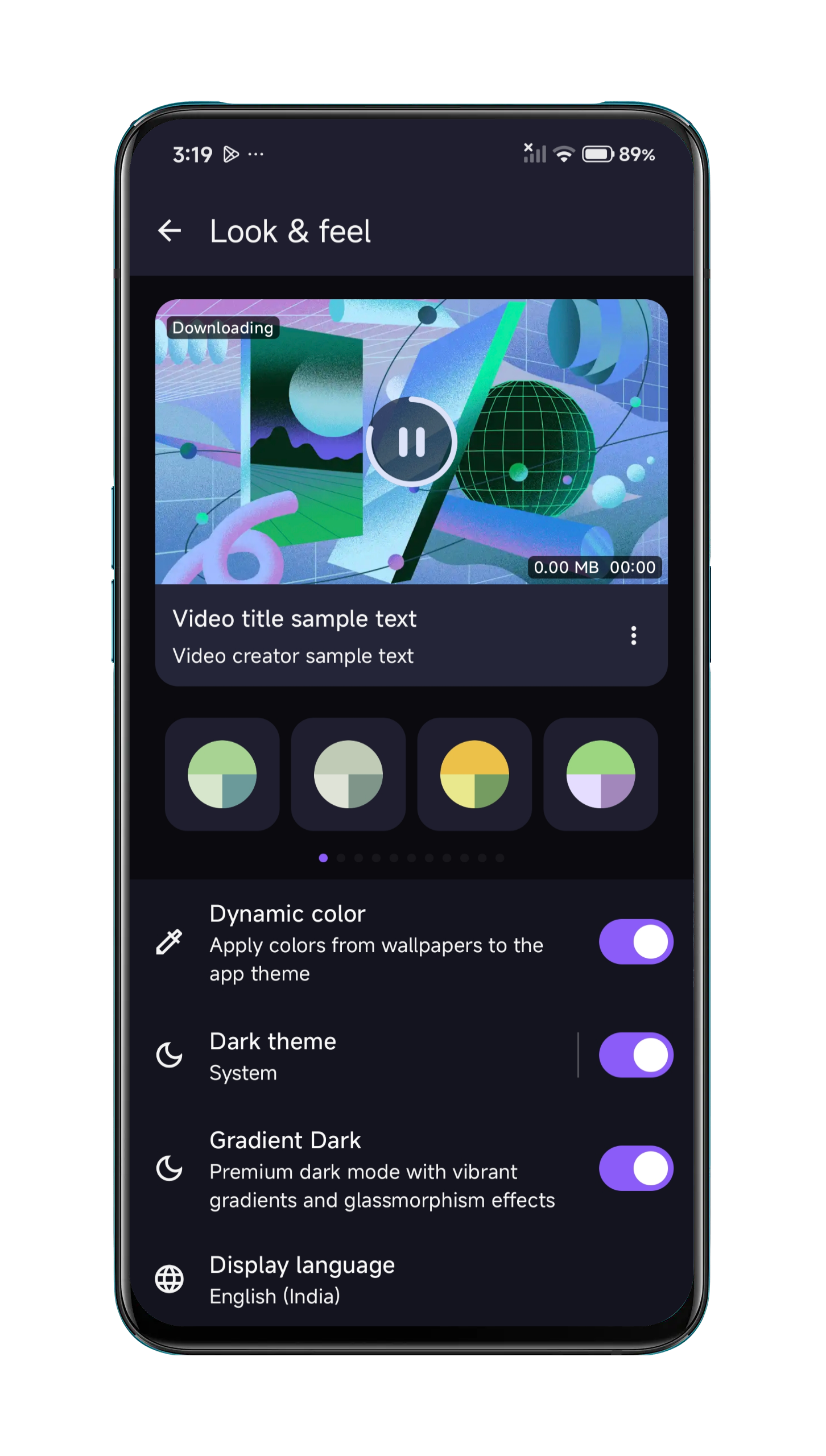
Premium glassmorphism UI with vibrant gradient accents. Material Design 3 implementation for a truly modern visual experience unique to Seal Plus.
Seal Plus is the official premium upgrade to the popular Seal app. Download the latest Seal Plus APK free — a powerful Android video downloader powered by yt-dlp supporting 1000+ sites. Also known as sealplus, it adds App Lock, proxy support, and an exclusive gradient dark theme not found in the original Seal app.
Your contribution funds updates, testing, and long-term maintenance. Every bit of support helps keep the project fast and reliable.
Built on the solid open-source foundation of the original Seal GitHub app, Sealplus brings exclusive premium enhancements, a better UI, and faster Seal APK updates.
Premium glassmorphism UI with vibrant gradient accents. Material Design 3 implementation for a truly modern visual experience unique to Seal Plus.
Seamless in-app updates directly from the release page. Never miss a new version — update with a single tap without visiting GitHub.
Powered by the latest yt-dlp engine, Seal Plus supports downloading from YouTube, Vimeo, Twitter, TikTok, Reddit, and thousands more.
Hardware-accelerated animations, ultra-fast downloads with speed optimization, and advanced aria2c multi-threaded download support.
Built with Android SDK 36, Kotlin 2.0, and Jetpack Compose. Continuously maintained with the latest yt-dlp releases for maximum compatibility.
No account required. No personal data collected. All downloads and processing happen locally on your device. Zero telemetry, 100% transparent open-source code.
Explore the premium glassmorphism UI, gradient dark theme, and powerful download features — all on your Android device.
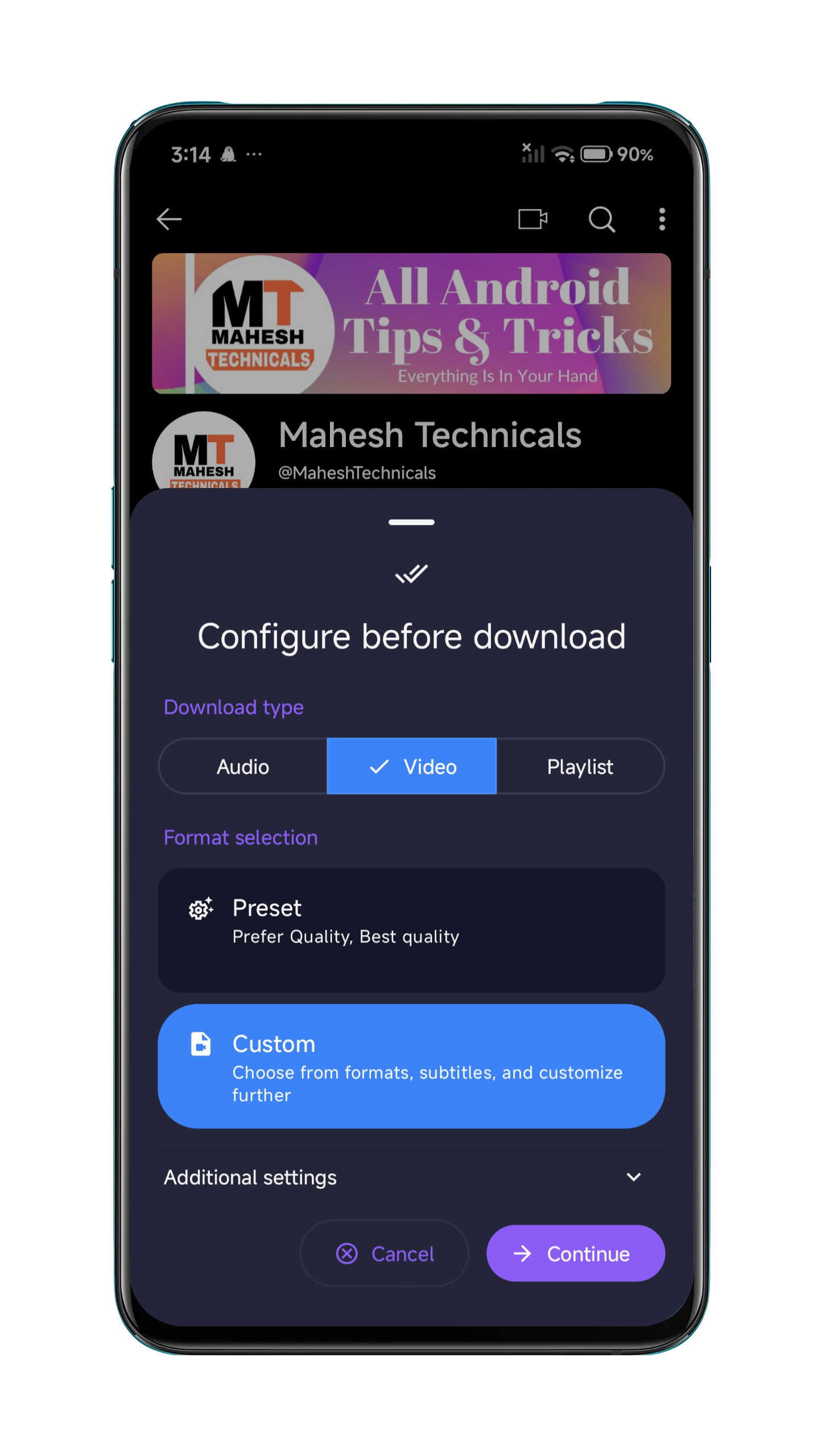
Home & Download
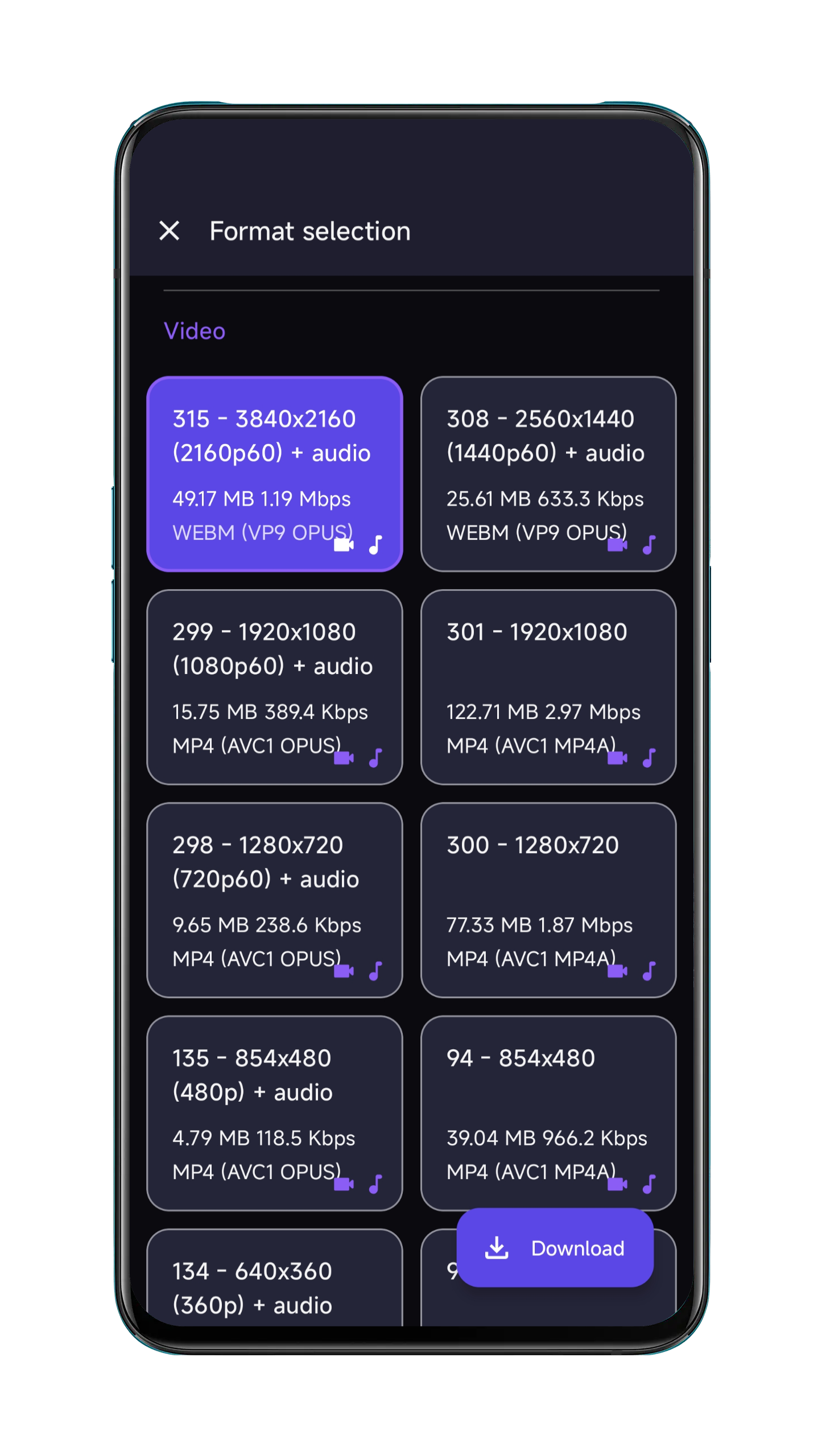
Gradient Dark Theme
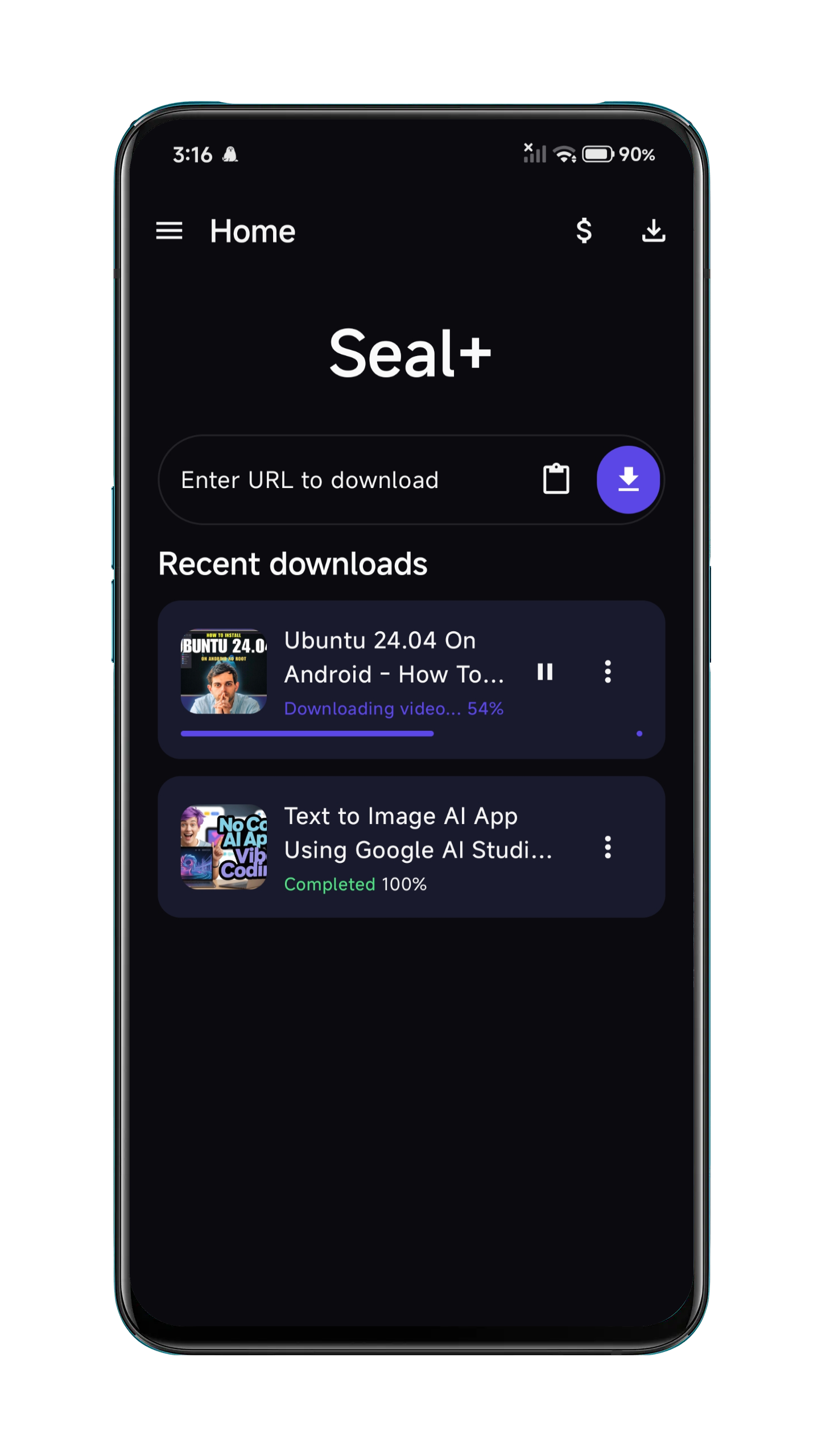
Format Selection
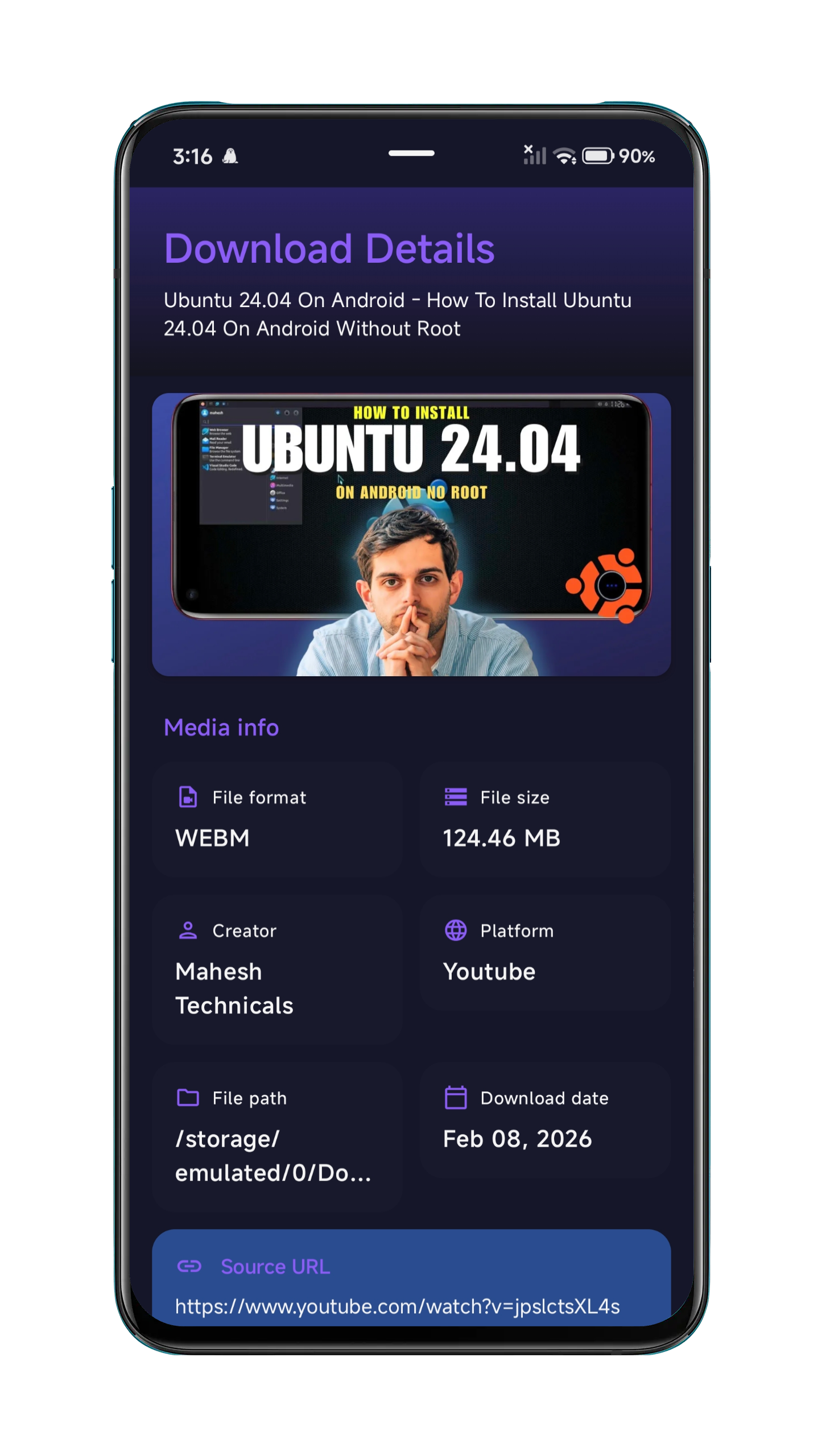
Download History
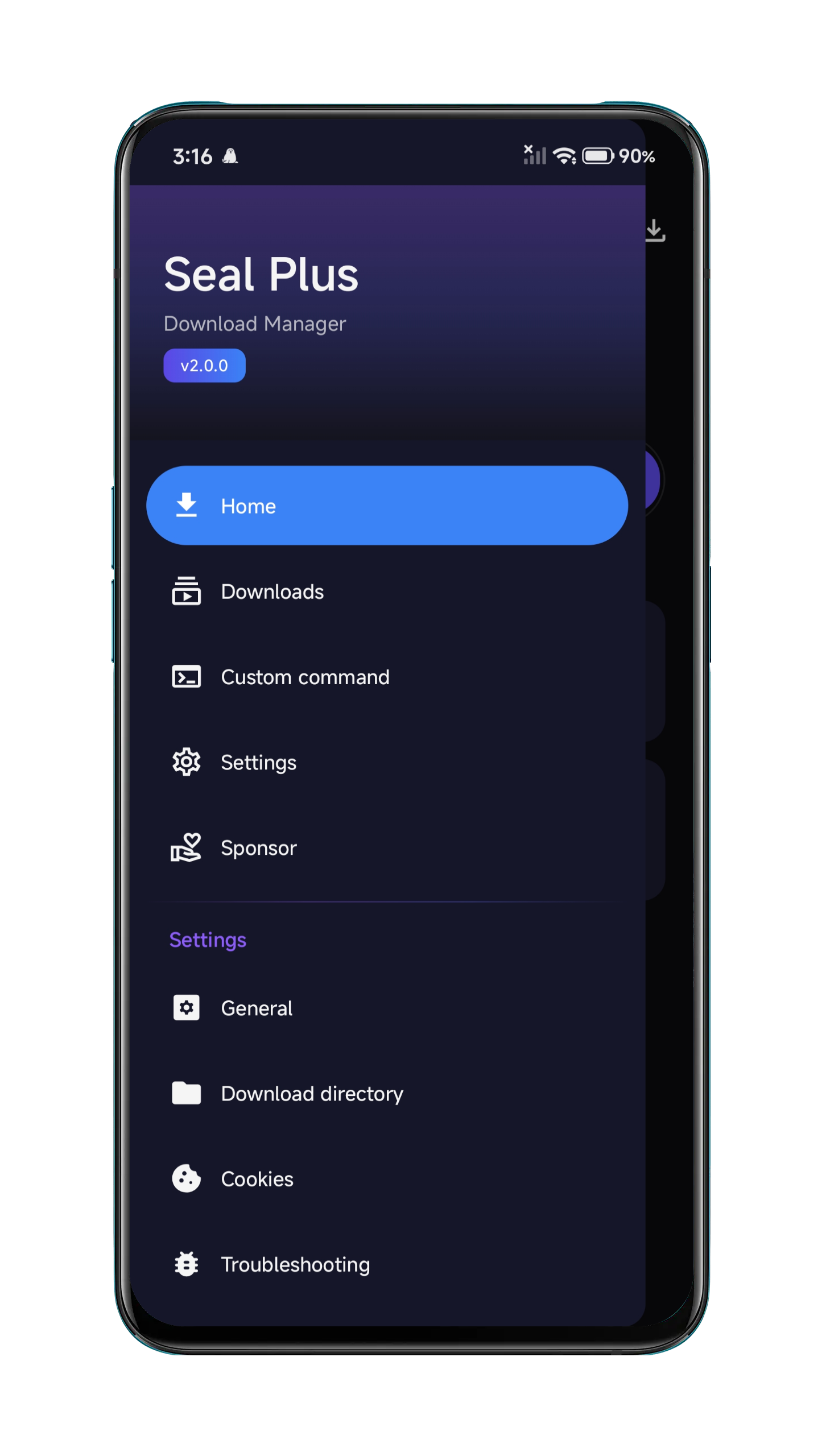
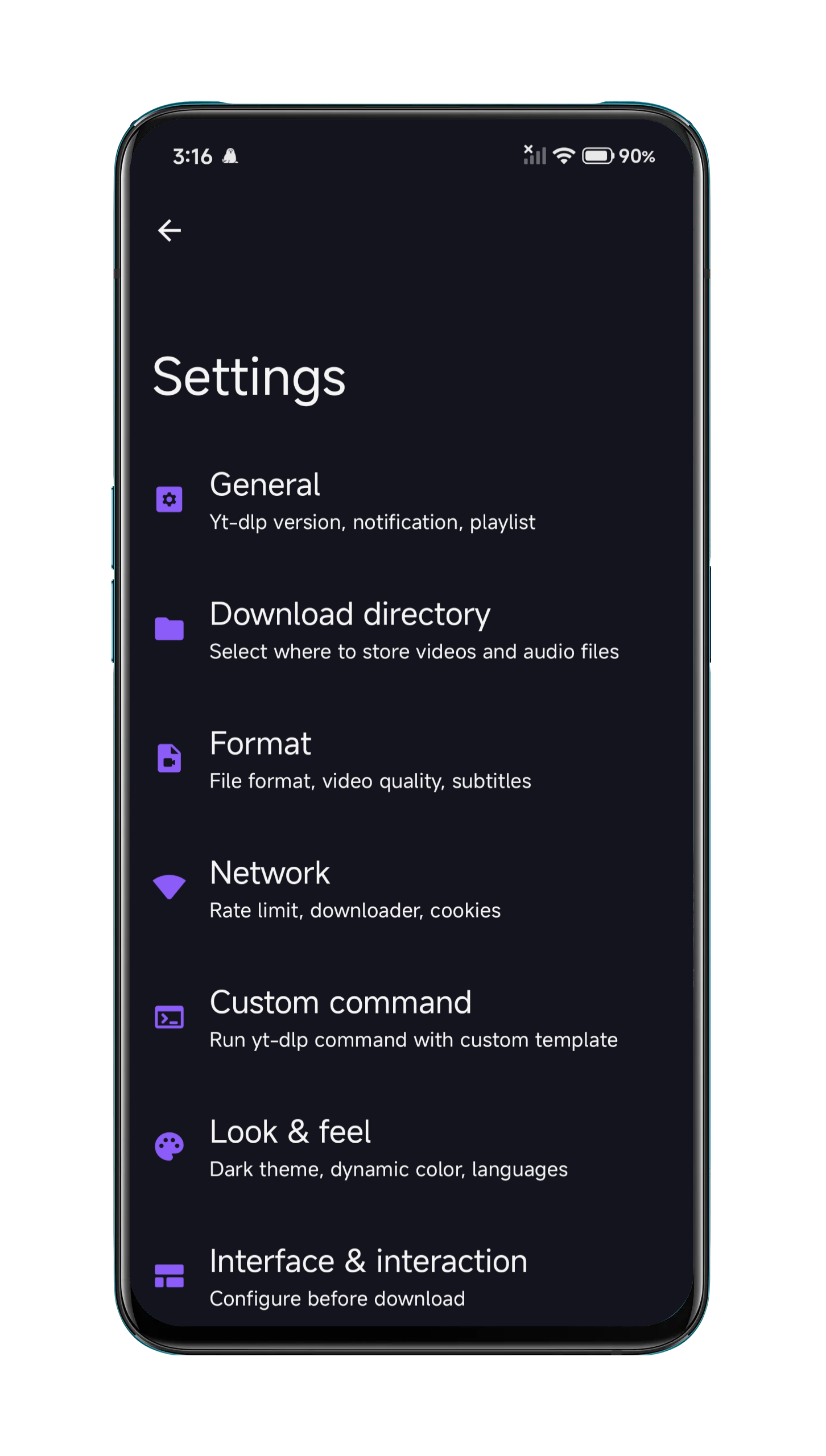
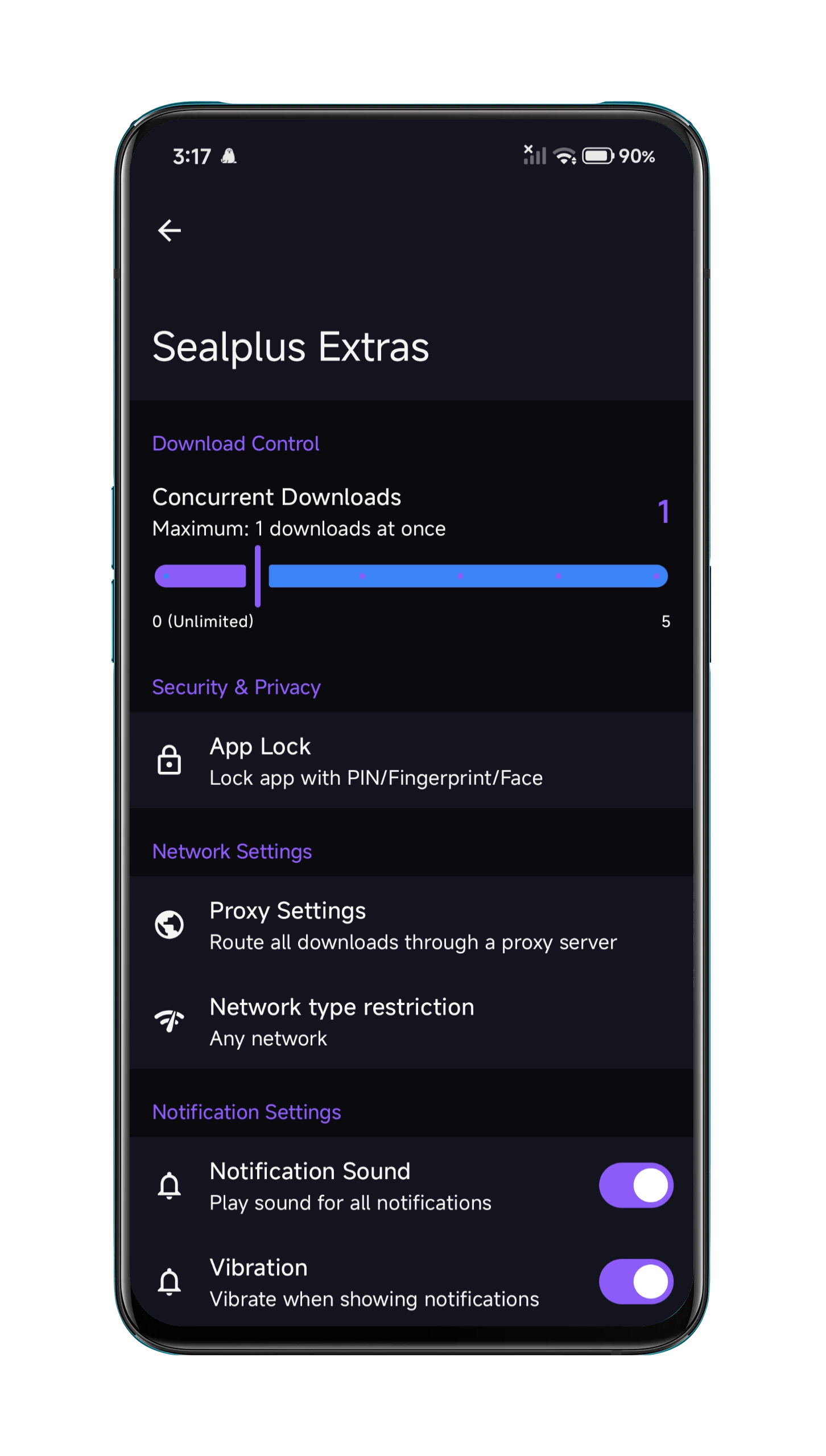
Settings
Playlist Download
Audio Extraction
Live Progress
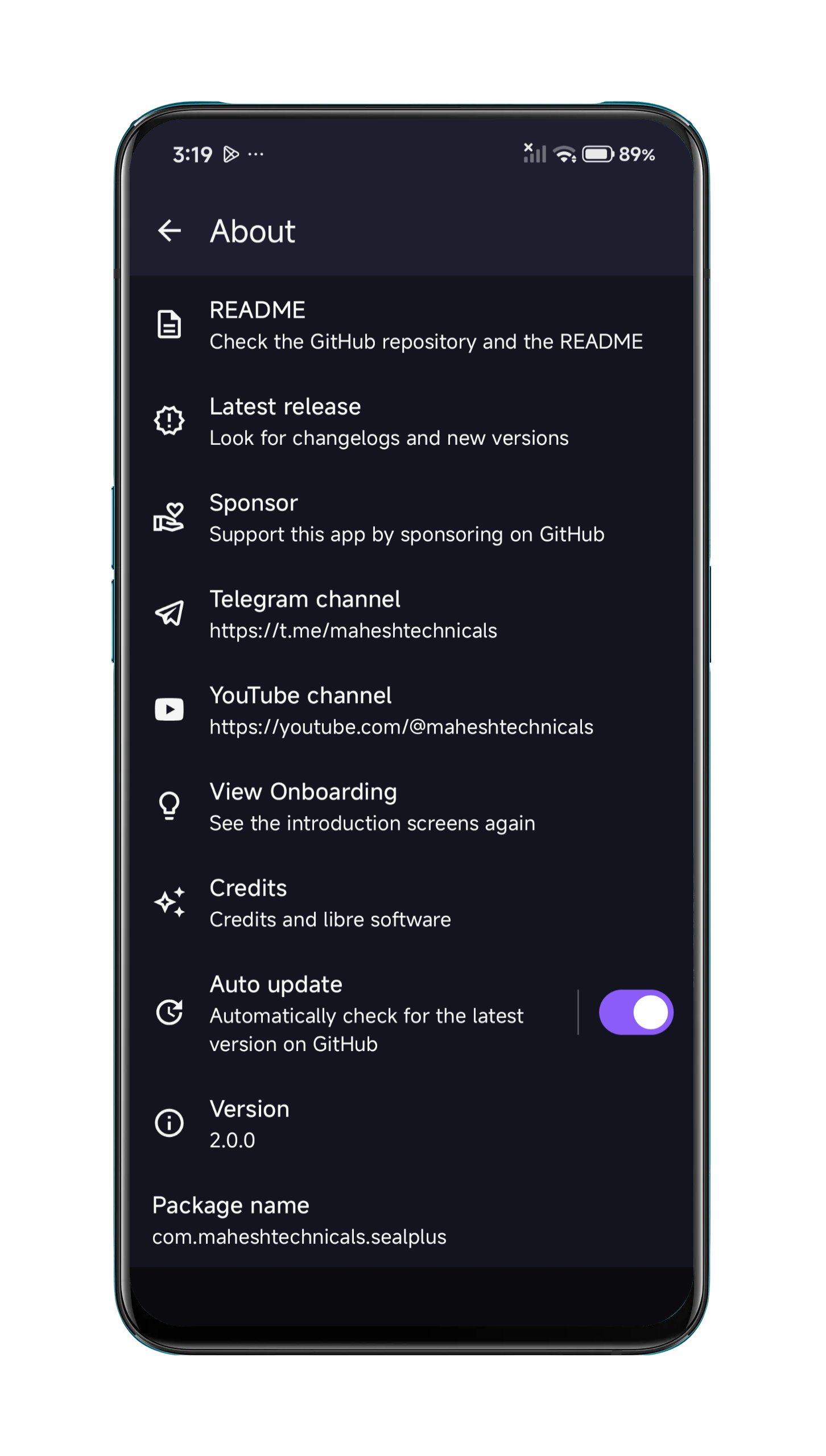
Custom Commands
All releases fetched live from GitHub. Download the universal APK or pick your device's architecture for a smaller install size.
Loading releases…
Seal Plus is maintained by Mahesh Technicals, building on the excellent foundation of Seal by JunkFood02 with exclusive premium features not found anywhere else.
Follow these simple steps to download and install the Seal Plus APK on any Android device. No root required. Works on Android 7.0 (API 24) and above.
On your Android device, go to Settings → Security (or Settings → Apps → Special app access → Install unknown apps on Android 8+). Enable installation from unknown sources for your browser or file manager.
Tap the Download APK button above or go to the GitHub Releases page. Download the universal APK or the one matching your device architecture (arm64-v8a for most modern phones).
Open your file manager and navigate to the Downloads folder. Tap the Sealplus-vX.X.X.apk file you just downloaded.
Android will show an installation prompt. Review the permissions and tap Install. The installation takes a few seconds.
Tap Open when installation finishes, or find the Seal Plus icon in your app drawer. Paste any video URL and tap Download — that's it!
Seal Plus is built on the same open-source foundation as the original Seal app but adds an entire layer of premium features. Here's how they compare side by side.
App Lock, biometric unlock, and a private vault for sensitive downloads.
In-app update flow keeps Seal Plus current without manual installs.
Exclusive gradient glassmorphism UI with premium polish.
| Feature | Seal Plus | Seal (Original) |
|---|---|---|
| UI Theme | Exclusive gradient glassmorphism dark theme | Standard Material You theme |
| Auto-Update | In-app update system | Manual update via GitHub |
| App Lock / PIN Security | PIN + biometric (PBKDF2-secured) | Not available |
| Hidden Content Vault | Lock-gated private download vault | Not available |
| Proxy Support | Free proxy fetching + custom SOCKS4/5 | Basic proxy URL only |
| Network Type Restriction | WiFi only / Mobile only / Any | Not available |
| Max Concurrent Downloads | Configurable 1–5 or unlimited | Fixed at 1 |
| Aria2c Connection Control | 2 / 4 / 8 / 16 / 32 connections | Basic aria2c support |
| Notification Customization | Sound, vibrate, LED, success/error alerts | Standard only |
| Base Download Engine | yt-dlp (always latest) | yt-dlp |
| Supported Sites | 1000+ | 1000+ |
| License | GPL-3.0, Free & Open Source | GPL-3.0, Free & Open Source |
If you're looking for a Seal app alternative with more control and security features, Seal Plus is the clear upgrade. It keeps everything great about the original Seal app and adds the features power users actually want — all still 100% free and open source.
Everything you need to know about the Seal Plus APK, installation, safety, and how it compares to the Seal app.
Seal Plus (also written as "sealplus") is a free, open-source Android video and audio downloader app maintained by Mahesh Technicals. It is built on top of the original Seal app by JunkFood02 and extends it with exclusive premium features including App Lock, a gradient dark theme, proxy support, and a hidden content vault. Like the Seal app, Seal Plus is powered by yt-dlp and supports downloading from 1000+ websites.
You can download the latest Seal Plus APK directly from the Releases section on this page (sealplus.in), which fetches the latest build live from GitHub. You can also visit the GitHub Releases page directly. The universal APK works on all devices; architecture-specific APKs (arm64-v8a, armeabi-v7a, x86_64) are available for a smaller file size.
Yes, Seal Plus is completely safe. The full source code is publicly available on GitHub and can be audited by anyone. The app collects no personal data, requires no account, and does all downloading and processing locally on your device. The APK is built directly from the open-source repository — there is no closed source or hidden code.
Both apps share the same yt-dlp download engine and GPL-3.0 open-source license. Seal Plus adds many features not found in the original Seal app: an exclusive gradient glassmorphism dark theme, in-app auto-update system, App Lock with PIN and biometric security, a hidden content vault, free proxy fetching with SOCKS4/5 support, configurable concurrent downloads, customizable notifications, and network type restrictions. See the full comparison table above for a detailed breakdown.
To install the Seal Plus APK on Android: (1) Go to Settings → Security and enable "Install unknown apps" for your browser or file manager. (2) Download the APK from the Releases section on this page. (3) Open your file manager, tap the downloaded APK file, and tap Install. The full step-by-step guide is available in the installation guide above.
Yes, Seal Plus supports YouTube through yt-dlp, including video downloads in multiple resolutions, audio-only extraction (MP3, M4A, OGG), subtitle downloads, and playlist downloads. Seal Plus also supports 1000+ other websites including TikTok, Instagram, Twitter/X, Reddit, Vimeo, SoundCloud, and many more. Please ensure you only download content you have the right to download and comply with each platform's terms of service.
Seal Plus requires Android 7.0 (API level 24) or higher. It is optimized for modern Android versions and targets Android API 36 (Android 16). The app works on all Android phones and tablets running Android Nougat or newer, including devices from Samsung, OnePlus, Xiaomi, Google Pixel, and other manufacturers.
The complete Seal Plus source code is publicly hosted on GitHub at github.com/MaheshTechnicals/Sealplus. You can find all releases, the changelog, issue tracker, and contribution guidelines there. The project is open source under the GPL-3.0 license, meaning anyone can view, fork, and contribute to the code.
Thank you to the incredible people who support Seal Plus development ❤️